



Launching a new website is a huge and exciting event for any business owner. But when your new website launch also involves moving platforms (like from Squarespace to Showit for example), you may have some concerns like these business owners:
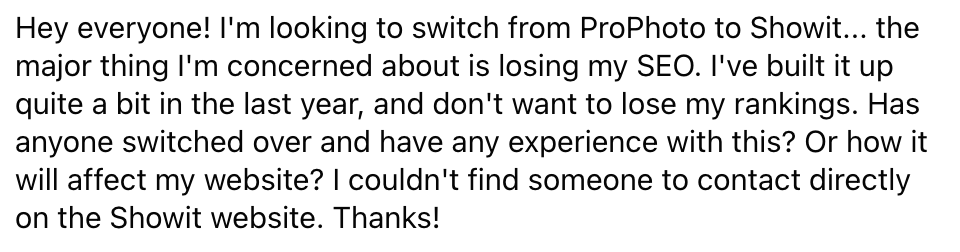
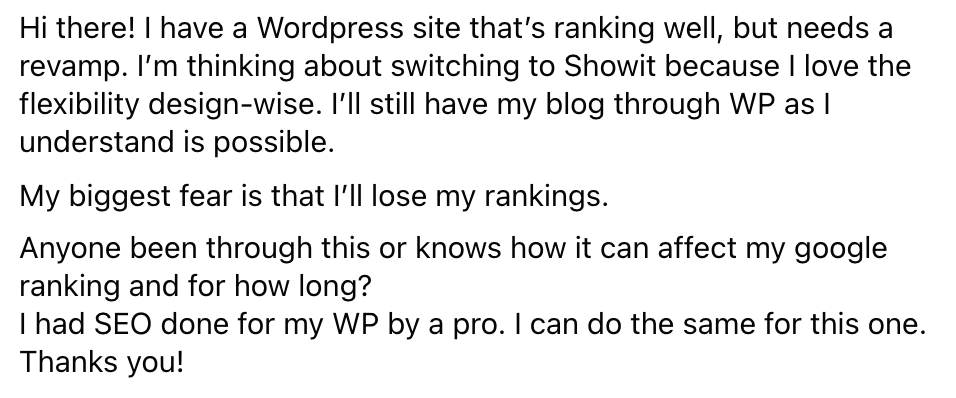
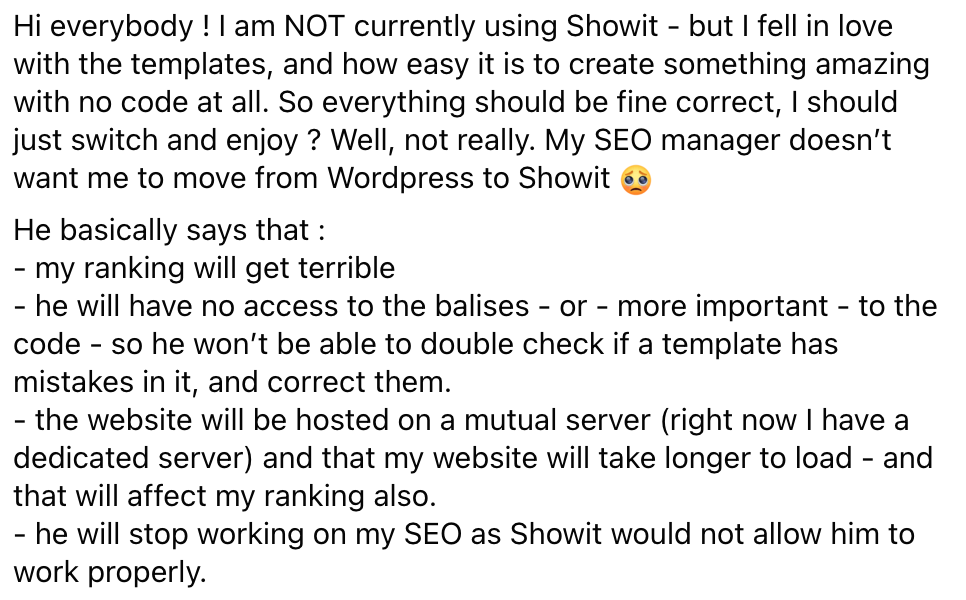

These businesses all share the same fear that you’re probably feeling too: that you will lose or ruin your SEO rankings when you switch platforms. I totally get it! SEO takes a long time to build and is a major lead generator for your business. It’s NOT okay to lose that.
But here’s the thing: you should never let the fear of losing rankings stop you from making the best decision for your business. The truth is, you are likely to see rankings dip when switching platforms, but if you follow some simple steps, this is only temporary as Google works to recrawl your new site!
Before we go any further, I want to pull back the curtain for a second.
I’m a Showit web designer for wedding pros, and a huge part of my work involves helping photographers, planners, and creatives move from their existing platforms to Showit without wrecking the SEO they’ve spent years building.
I’ve walked clients through this exact transition dozens of times, and I’ve seen what happens when migrations are done thoughtfully and when they’re rushed.
In this article, I’m giving you the low down on the exact steps I take for my clients to make sure their website migration doesn’t jeopardize the SEO they’ve worked so hard to build. Rather I just take it all off your plate? You can learn more about hiring me here.
Okay, let’s get started!
- Know Where You’re Starting
- Keep Your Domain Name the Same
- Keep Your Pages and Slugs the Same
- Keep Your Page Titles and Meta Descriptions the Same
- Have the Showit Team Migrate Your Blog For You
- Make SEO Improvements
Know Where You’re Starting
This is the exact first step I take with every client before we begin a Showit migration.
Before design, before templates, before anything visual, we look at the data. Because you can’t protect what you haven’t identified. It’s hard to tell whether you’re seeing an SEO dip if you don’t know where you’re starting. I recommend auditing your SEO prior to a platform move. That way you know exactly what you’re ranking for, where you stand, and what you need to maintain. Here are a few things to check:
1. Identify Exactly What Keywords You Rank For (And How Many)
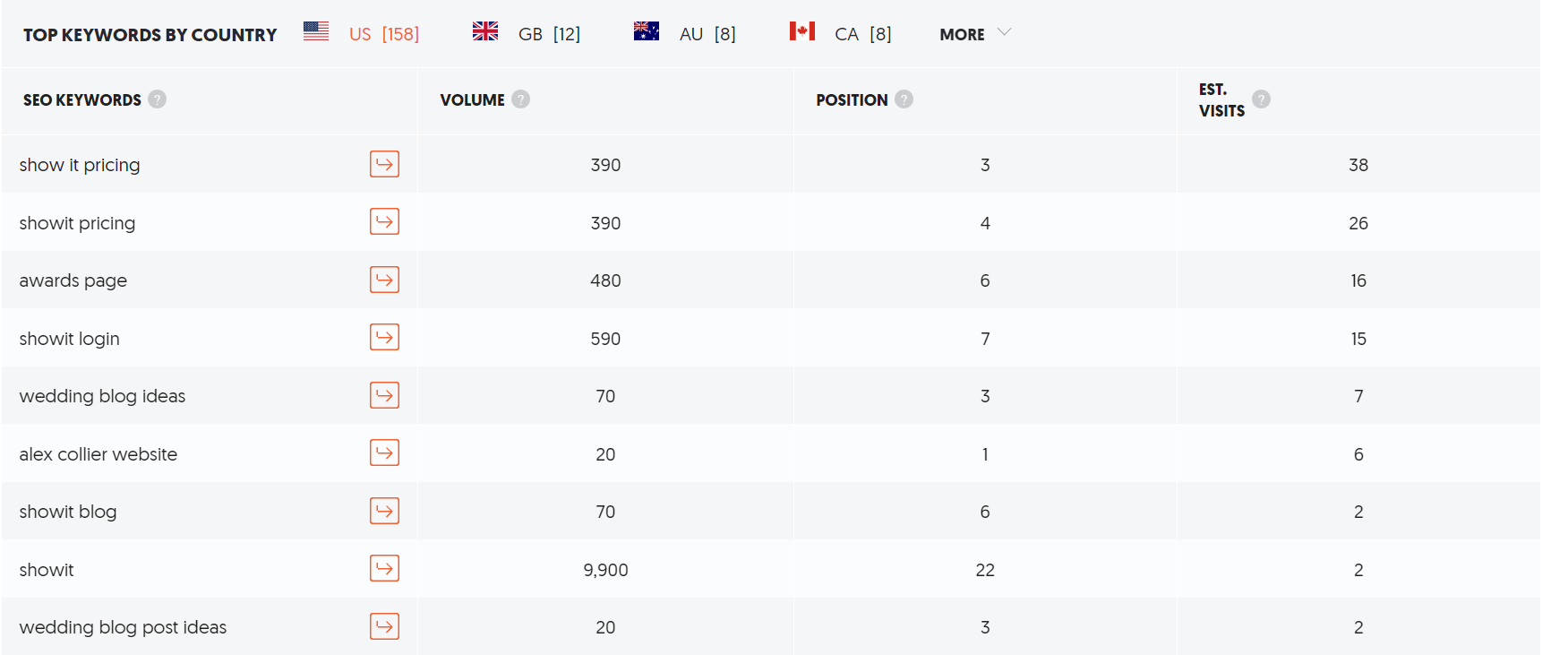
Don’t worry, there are some great resources to figure this out! The first is Google Search Console. Once you make an account, you are able to run a Search Analytics report, which provides you with every keyword you rank for. Another great option is UberSuggest, a free resource to identify ranking keywords. Simply type in your website domain and out pops your keyword volume, position, and estimated monthly visits. Knowing this data will allow you to compare your old and new website platforms.
Below is an example using my site:
2. Check Your Domain Authority
In other words, the strength of your domain, measured by looking at the quality and quantity of external backlinks to your website (more on this below). This metric is important in improving your ranking! This can be easily found using the authority checker tool from Ahrefs. The higher your domain authority number, the stronger and more authoritative your site is.
3. Understand Your Backlinks
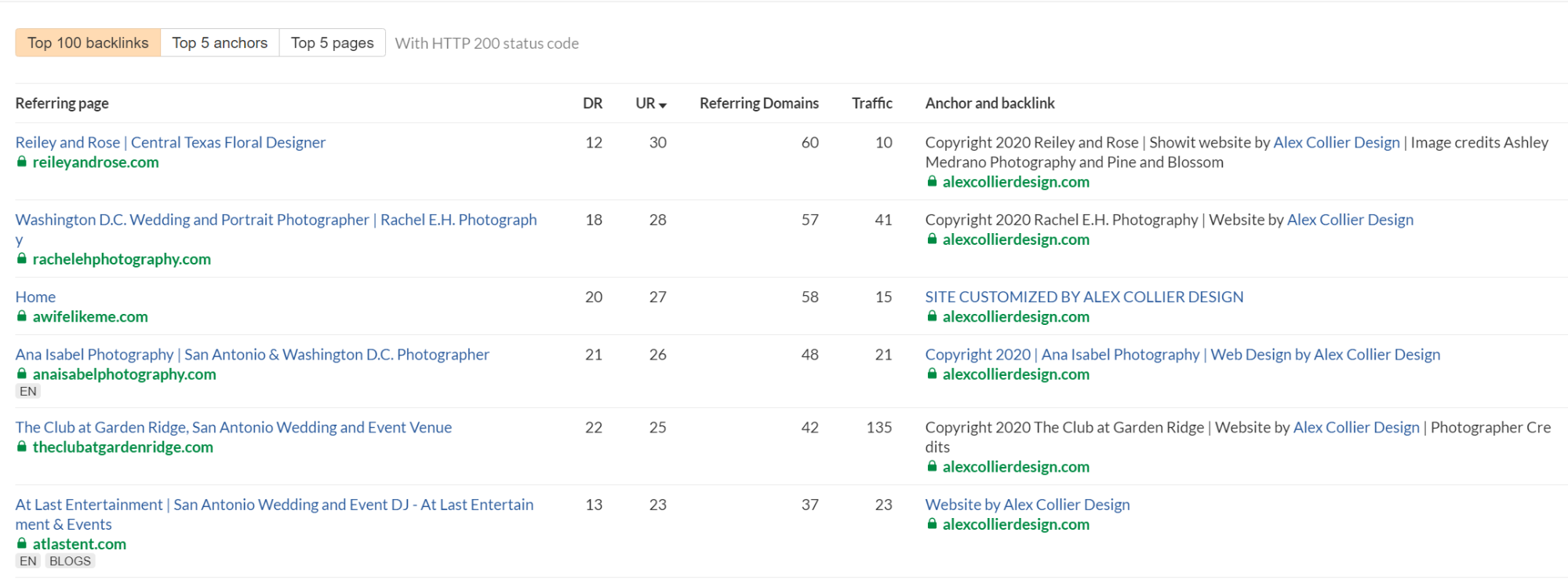
A backlink is any link that directs a user to your website. It’s crucial to know exactly where your backlinks are coming from and what pages of your site they link to. This can be easily found using the backlink checker tool from Ahrefs. As a Showit web designer, this is also where I often uncover hidden risk. I’ve seen strong sites lose momentum simply because backlinks weren’t accounted for during a move, which is why this step is non-negotiable in my client work. Here’s an example again using my site, shown below:
Honestly, I often find folks are worried about losing SEO when they don’t have that many rankings to begin with. This audit may give you some peace of mind if it helps you realize, “hey, I really don’t have much to lose!” But if you’re an SEO rockstar, an audit is SO important because it helps you identify exactly what rankings you are trying to maintain when you switch platforms.
Keep Your Domain Name the Same
In almost all of my client website migrations, I recommend keeping the domain name exactly the same. Adding in a domain name change to your website migration can increase your chances of losing search rankings. Unless you have a REALLY good reason to change domain names—like a business name change or a pivot in industries, keeping your domain the same is going to save yourself a major headache.
On the rare occasion a domain change is necessary, I make sure proper redirects are in place so that anyone visiting the old domain is seamlessly guided to the new one. This helps protect both your visibility in search and the experience of real people trying to find you.
Keep Your Pages and Slugs the Same
In addition to keeping your domain name the same, I recommend keeping your page names and slugs the same.
A slug is the part of the URL that identifies a specific page on your site. It explains the page’s content in a simple way, allowing visitors to understand what page they are about to navigate to. For instance, after glancing at the link below, you can tell that you’re navigating to my blog.


Keeping page names and slugs the same allows for a consistent organization and ease of navigation for new and returning visitors. For example, if your current website has an About page with the slug “/about,” you’ll see less of an SEO impact if you keep that the same rather than changing it to something like “/meet.” If you do end up changing pages, you will need to set up 301 redirects from the old pages, which inform search engines that the content has permanently moved to a new location.
An exception to this would be if your old website had poor navigation. This is a change my clients and I often choose to make, in order to better organize their site for the future. Google’s search algorithm is extremely complicated, but at the end of the day, it aims to serve users with the best experience. An easier-to-navigate site provides just that! In that case, it’s worth the trade-off of setting up a redirect in order to have a cleaner, more organized site.
Keep Your Page Titles and Meta Descriptions the Same
Okay, by now you’re probably sensing a theme. Keep as many things the same for a smooth transition to your new platform. It’s not that you CAN’T change things, it just makes it more likely that you will see an SEO dip. Next on my list is keeping your page titles and meta descriptions the same.
These are both found under the “SEO Settings” tab in Showit. This is where you tell Google what title and description you’d like to appear on the SERP (search engine results page). For example, below is the page title and meta description for my home page:

Keep in mind, Google is known to serve users whatever page title and meta description it sees fit, so it may not always show the one you wrote (if you want to hear Google laugh, tell it your plans, amiright?). But, keeping your page titles and meta-descriptions the same is one more way to help ease the transition to your new site.
If you’d like help navigating a platform switch thoughtfully, you can learn more about my custom Showit design process here.
Have the Showit Team Migrate Your Blog For You
Since you’ve probably read some of my other posts about why you should choose Showit, you already know Showit blogging is one of my favorite features of the platform. To make it even more awesome, the Showit team can migrate your blog for you! This ensures your old blog posts don’t bring up a 404 (page not found) error. And no need to set up tons of confusing redirects! All you have to do is submit a request and they’ll do it for you. Easy peasy! For more information on this, check out this article from Showit about launching your blog.

Make SEO Improvements
While many fear losing SEO when moving website platforms, it’s actually a great opportunity to make improvements to your existing SEO! Here are a few recommendations to improve your SEO as you move platforms:
1. Set up a Google My Business profile
You are losing out on some major SEO juice if you don’t have a Google My Business profile set up and optimized. This is particularly important for local businesses (like many weddings pros!). Here is a great video tutorial from my friend Sara at Sara Does SEO all about optimizing your Google My Business profile.
2. Set up Google Analytics
Remember, Google’s algorithm favors content that provides a great user experience and answers users’ search intent. Google Analytics is an amazing tool for learning how your content is performing. You can see where users are visiting on your site, how long they stick around, and so much more!
3. Set up Google Search Console
Have you sensed a theme yet? It should be no surprise that Google’s own tools are some of the best things you can use to improve your SEO. The tools themselves don’t necessarily improve your rankings, but you can use them to optimize and discover ranking opportunities! Google Search Console gives you the inside scoop to what keywords are bringing traffic to your site.
4. Work on Your Backlink Strategy
This is called off-page SEO and it’s SO important! Other relevant sites linking to you prove to Google that your content is relevant and high-quality. And the better the site’s domain authority, the more powerful the backlink. For example, a link from Style Me Pretty carries a lot more weight than a link from your friend who just started their blog!
5. Work on Your Content Strategy
You’re probably tired of hearing the cliche, but it really is true: content is king. Knowing what users are searching for and creating content that fits their needs is one of the best ways to get more traffic to your site. My post about writing a blog post that ranks in search is a great starting point! And if you’re looking for some ideas to get you started, check out these 500 blog post ideas for wedding pros.
6. Submit Your Site Map From Your New Showit Site to Google Search Console
Once you’ve set up Google Search Console, it’s really easy to create and submit a site map so Google can more easily crawl your new site. This article from the Showit team shows you how!
A Quick Note on Showit Templates (Because They’re Not All Created Equal)
One thing I want to gently clear up: SEO issues don’t come from Showit itself, they usually come from how a site is built.
Two Showit templates can look equally beautiful on the surface while being vastly different under the hood. I often see templates with overly complex canvas structures, poor heading hierarchy, or layouts that make it difficult to grow content intentionally over time.
This is why I’m intentional about how I build both custom sites and templates. Design should feel effortless, but it still needs a solid foundation to support your visibility long-term.
If custom design isn’t the right fit right now, my template shop offers Showit designs that balance clarity, flexibility, and structure—so you can launch confidently and grow from there.

In Conclusion
Moving website platforms can be a pivotal step in your branding strategy. When doing so, it’s important to keep in mind that most every change you make will affect your SEO. But have no fear! By following the tips provided in this post (or hiring a pro), you’ll minimize the risk of losing SEO rankings and ensure a smooth transition!
Whether you’re planning a fully custom Showit site or starting with a thoughtfully built template, the goal is the same: a website that supports your growth instead of slowing it down.
If you’re ready to explore what that could look like for your business, you can learn more about working together here, or browse my Showit templates if you’re looking for a simpler place to start.
Alex Collier is a Showit web designer for wedding professionals. Are you ready for a website with beauty and brains? Get in touch here or shop my beautiful Showit templates.

I want to be a contact creator
Love the blog I’d like to know if I can hire you to help with moving from web flow to wordpress site thank you
Hi Tomy! I specialize in Showit websites, which is important to note uses a WordPress blog but is not itself a WordPress site necessarily. If you’re interested in chatting more please complete my contact form to get in touch and we can schedule a discovery call to chat more!
This is a very useful article. Clarified things to me as site owner.
One thing that often gets missed is the redirect map testing before cutting over. I always run a full crawl of the old site, map every URL to the new one, and validate the redirects in a staging environment first. It saves the panic of finding 404s on launch day. That pre-flight check is something we include in our migration approach too.